How to play Block Pop
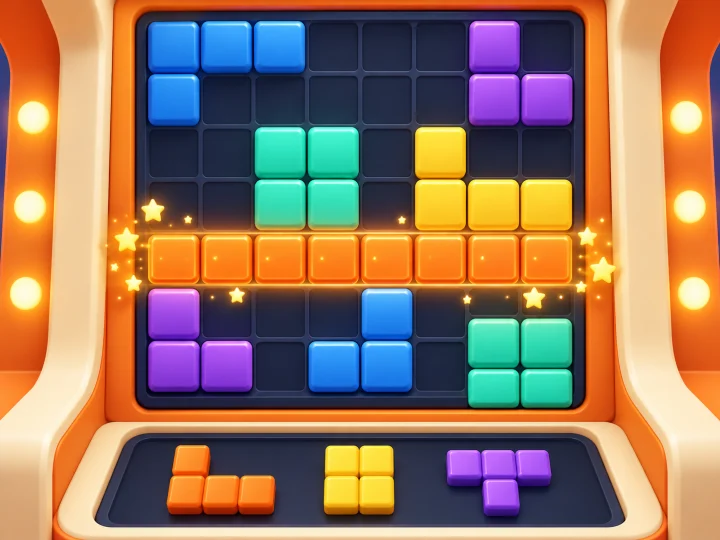
Illustrated how-to
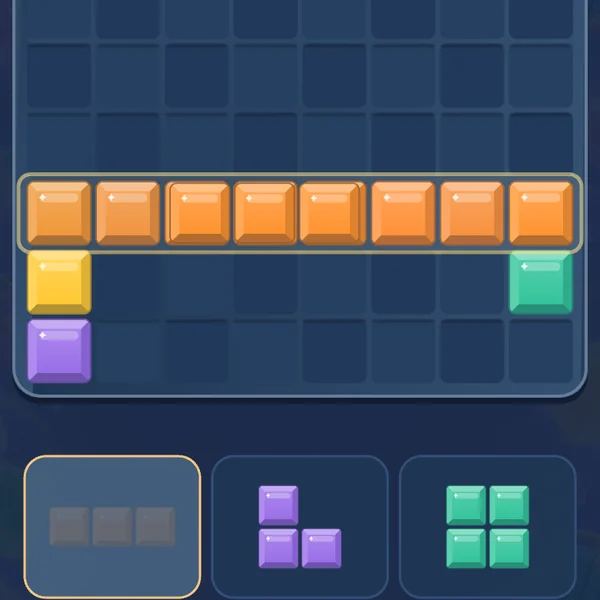
Step 1 Drag blocks to fill a line and pop it!
Lines about to clear glow first · Use all three for a new set
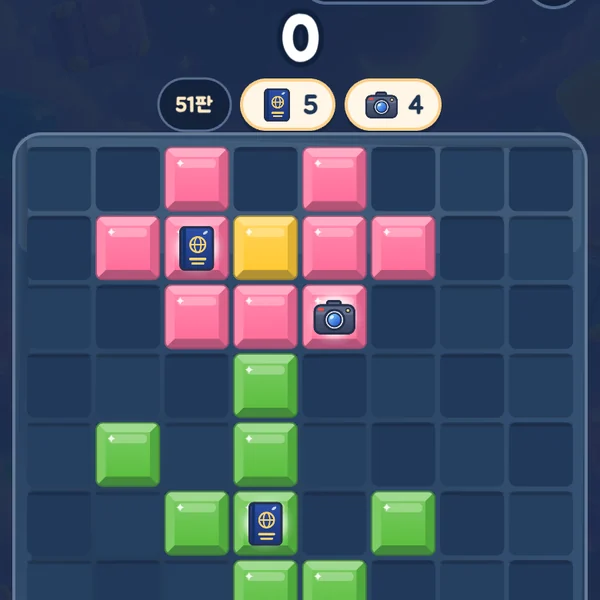
Step 2 Clear lines with items to collect them
Bring the goal chips at the top down to zero

Step 3 Clear in a row for combos, empty the board for Perfect
Combo 3 starts Fever · A placement with no clear breaks the combo
Full rules
- Drag blocks or select one and tap its top-left cell. No rotation.
- Full rows and columns clear together. Use all three blocks to receive a new set.
- Clear again within three placements to keep a combo. Multiple lines score more.
- Keep playing after reaching the 3–8 line goal, then finish to claim MB after server verification, subject to reward limits.
- Personal best is stored on this device. Undo is available through approved ad help.
🔄 Help you get from ads
Watch an ad to continue · Win to earn MB
Stuck? Keep going with 3 small blocks · Undo works too · Swap MB for data coupons
FAQ
- Is Block Pop free to play?
- Yes. You can play for free in your web browser with no install. When you win, data (MB) is added to your wallet.
- Can I play Block Pop on my phone?
- Yes. You can play in the web browser on a phone, tablet or PC.
- Does Block Pop have a time limit?
- No, there is no time limit — take your time.
- How long does a round of Block Pop take?
- About About 3 min on average.